Buying a Kansas Licence Online
Navigating the bureaucratic maze of government websites can be one of the most frustrating parts of preparing for hunting season, often feeling like a roadblock before you even hit the field. Whether you're a seasoned Kansas hunter or planning your first trip to the Sunflower State, figuring out where and how to acquire your hunting license and necessary permits online can be a headache. This comprehensive guide is here to walk you through the process, making sure you can confidently purchase your Kansas hunting license online and focus on what truly matters: your time in the great outdoors.
Understanding Kansas Hunting License Basics
Before you even click over to the Kansas Department of Wildlife and Parks (KDWP) website, it’s crucial to understand the foundational requirements for hunting in Kansas. It’s not just about one simple "hunting license"; there are often several layers of permits and stamps you'll need depending on what you plan to hunt and where you're coming from. Many hunters, especially non-residents, get tripped up right at this first hurdle, unsure if they need a general hunting license, a deer permit, a turkey permit, or all of the above.
Who Needs a License and What Type
Essentially, anyone planning to hunt in Kansas needs a valid hunting license. There are very few exceptions, such as hunting on your own land if you meet specific residency requirements. Beyond the basic hunting license, nearly every game species requires additional permits or stamps. For instance, if you're chasing whitetails, you'll need a Kansas deer permit on top of your general hunting license. The same goes for wild turkeys, upland birds, and migratory waterfowl, each with their own specific endorsements. The KDWP website is the official and most up-to-date source for all these requirements, so always double-check there before making any assumptions.
For those considering a hunt, whether it's for deer, turkey, or birds, knowing the ins and outs of various permits is vital. You can find detailed information on topics like Kansas Hunting Licence and Permit Costs and Kansas Hunter Education and Licensing Basics right on the KDWP site, which is invaluable before you even start adding items to your virtual cart.
Resident Versus Nonresident Licenses
The cost and availability of licenses and permits differ significantly between residents and nonresidents. Kansas is a popular destination for out-of-state hunters, particularly for trophy whitetails, but the process for nonresidents can be more complex, often involving a draw system for sought-after deer permits.
For Kansas residents, the process is usually straightforward. You purchase your annual hunting license and then add any necessary game tags or stamps. For nonresidents, it's a bit more involved. First, you'll need a general nonresident hunting license. Then, for big game like deer, you often have to participate in a draw. This is where researching Kansas Deer Permits and the Nonresident Draw becomes absolutely critical. Brands like GoHunt are excellent resources that can help break down the draw odds and application strategies for various units, though you’ll still make your actual purchase directly through KDWP. Understanding the Kansas Nonresident Hunting Licence Price is also a key part of budgeting for your trip.
Navigating the KDWP Online Portal
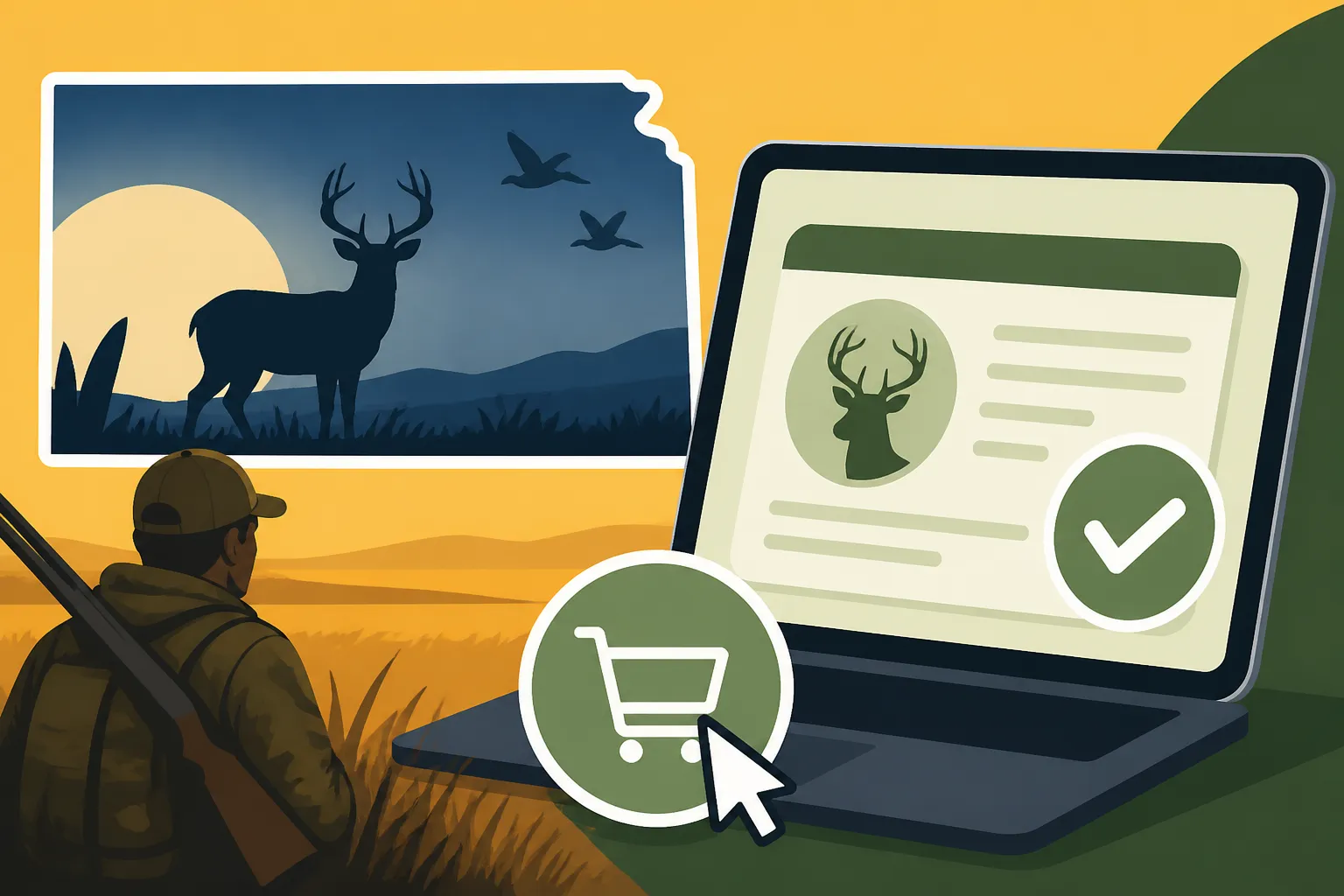
Alright, let's get down to the nitty-gritty of actually buying that license online. The Kansas Department of Wildlife and Parks (KDWP) uses the Go Outdoors Kansas system, which is a fairly intuitive platform once you get the hang of it. Still, like any online portal dealing with licenses and permits, it can throw you a curveball if you're not prepared.
Getting Started: Account Creation and Login
Your first step, if you haven't already, is to create an account on the Go Outdoors Kansas website. This is your personal hub for all things related to hunting, fishing, and outdoor recreation in Kansas. It's where your licenses, permits, and harvest reports will live.
- Visit the Official KDWP Website: Head to the Kansas Department of Wildlife and Parks official website. Look for a prominent link or section related to "Licenses & Permits" or "Buy a License." This will direct you to the Go Outdoors Kansas portal.
- Create an Account or Log In: If you're a new user, select the "Create Account" option. You'll need to provide personal information such as your name, date of birth, address, and contact details. Make sure all information is accurate, as it will be tied to your hunting history and permit eligibility. If you're a returning user, simply log in with your existing username and password. If you've forgotten your login credentials, there are usually "Forgot Username" and "Forgot Password" links to help you recover access. This is a common point of frustration, so it’s always a good idea to keep your login info stored securely.
- Hunter Education Verification: For many hunters, especially those born after a certain date (January 1, 1957, in Kansas), proof of hunter education is required. If you've completed hunter education in Kansas, it should be linked to your profile automatically. If you took it in another state, you might need to manually enter your certificate number or contact KDWP to have it added to your record. This step is vital and can prevent you from proceeding if not addressed. You can learn more about Kansas Hunter Education Age Requirement if you have questions about who needs it.
Choosing the Right License for Your Hunt
Once logged in, you'll be presented with various options. It's easy to get overwhelmed by the sheer number of choices, but take a deep breath and focus on what you actually plan to pursue.
- Select Your License Type: Most hunters will start by selecting a "Hunting License." This is your base permit. From there, you'll specify if you're a resident or nonresident.
- Consider Annual vs. Short-Term Options: Depending on your plans, you might opt for an annual license or, in some cases, a shorter-term license if available (though annual is most common for big game).
- Add Specific Permits: This is where you add your deer permits, turkey permits, game tags, or waterfowl stamps. For example, if you're planning to hunt deer, you'll select a "Deer Permit." This is also where things like the Kansas Deer Season Dates by Weapon become important as some permits are weapon-specific or tied to certain seasons. Be absolutely sure you're selecting the correct unit, weapon, and season for your intended hunt. Nonresidents, especially, need to be meticulous here, as incorrect applications can lead to lost preference points or being removed from a draw without a refund.
- Specialty Stamps: Don't forget any federal or state migratory bird stamps if you plan to hunt ducks, geese, doves, or other migratory species. A Kansas HIP (Harvest Information Program) registration is also usually required for these birds and is typically a free add-on you select during the purchase process.
Step-by-Step Guide to Purchasing Your License
Now that your account is set up and you've identified all the licenses and permits you need, let's walk through the actual purchase process. It's much like any other online shopping cart, but with a few extra layers of legal confirmation.
Adding Permits and Tags to Your Cart
The system is designed to guide you, but it’s still up to you to make the right selections. Double-check everything.
- Browse Available Products: On the Go Outdoors Kansas portal, after logging in, you'll find a section like "Purchase Licenses/Permits." Click on this to see the full list of available options.
- Make Your Selections:
- Base Hunting License: Start by adding your general hunting license (Resident Annual Hunting License, Nonresident Annual Hunting License, etc.).
- Species-Specific Permits: Next, add permits for the specific game you intend to hunt. For example, if you're after a Kansas whitetail, you'll look for "Deer Permit – Whitetail Antlered" or "Either-Species/Either-Sex Deer Permit" depending on your eligibility and unit. Remember, nonresidents often apply for these in a separate draw period long before the season.
- Upland Bird/Small Game: If you're planning to hunt pheasant, quail, or other small game, ensure you have the correct Kansas Small Game Licence Requirements covered, which is usually just the base hunting license.
- Youth and Disability Options: If you qualify, there are often specific licenses for youth or hunters with disabilities, such as those covered under Kansas Youth and Disability Deer Season. Ensure you select these if applicable, as they often have different pricing or regulations.
- Review Cart Carefully: Before proceeding to checkout, review every item in your cart. Does it match your hunting plans? Is it for the correct year? Is the quantity right? It’s far easier to correct mistakes now than after payment.
Reviewing Your Purchase and Payment
Once your cart is finalized, you'll move to the payment section. This is usually the quickest part of the process, but don't rush through it without a final check.
- Confirm Information: The system will likely ask you to confirm your personal details one more time. Make sure your name, address, and date of birth are all correct. Any discrepancies could invalidate your license.
- Acknowledge Regulations: You will usually be required to digitally acknowledge that you understand and agree to abide by Kansas hunting laws and regulations. It’s imperative to take this seriously. Ignorance of the law is not an excuse. You can always refer to the Kansas Regulation Summary Release Date for the latest rulebook.
- Payment: Enter your credit or debit card information. Kansas, like most states, accepts major credit cards. Be aware that there might be a small processing fee, often referred to as the Kansas Application Fee and Refund Rules, associated with online transactions. Ensure your internet connection is stable to avoid any payment errors.
Confirmation and What to Do Next
Congratulations! You've made your purchase. But you're not quite done yet. There are a few important steps to ensure you're fully prepared for your hunt.
- Print Your License: Once the transaction is complete, you'll typically receive an email confirmation and be given the option to print your license immediately. Print several copies! Keep one in your wallet, one in your hunting pack, and one in your vehicle. While some states allow digital copies on your phone, having a physical copy is always a good backup, especially in areas with poor cell service or if your phone battery dies.
- Verify Digital Access: Your license and permits should now be visible in your Go Outdoors Kansas account. This serves as your digital proof. If you use a hunting app like onX Hunt, some states allow you to link your licenses, providing an additional layer of digital access.
- Understand License Year Dates: Be aware of the validity period for your license. The Kansas Licence Year Dates typically run from January 1st to December 31st. If you purchase late in the year, you might need a new license come January.
- Review Specific Regulations: Now that you have your license, dive into the specifics of your chosen hunt. For example, if you’re deer hunting, you’ll want to review the exact Kansas Deer Season Dates by Weapon for your specific unit and weapon choice. This preparation is key to a successful and legal hunt.
Common Questions and Troubleshooting
Even with the clearest instructions, sometimes things go sideways. Here are some common issues hunters face when buying their Kansas hunting license online, and how to address them.
What If You Encounter Technical Issues?
It's frustrating when technology doesn't cooperate, especially when you're trying to get ready for a hunt. Don't panic.
- Check Your Internet Connection: Often, a simple refresh or switching to a more stable Wi-Fi network can resolve basic loading or submission errors.
- Clear Browser Cache: Sometimes your web browser's stored data can interfere. Try clearing your browser's cache and cookies, or try using a different browser altogether (Chrome, Firefox, Edge, Safari).
- Try Again Later: If the system seems unresponsive or you're getting generic errors, the KDWP portal might be experiencing high traffic or maintenance. Wait a bit and try again. Peak application times, especially for nonresident deer draws, can cause slowdowns.
- Contact KDWP Support: If all else fails, the best course of action is to contact the Kansas Department of Wildlife and Parks directly. Their contact information (phone numbers, email addresses) should be readily available on their main website. Have details of your issue, screenshots if possible, and your account information ready when you call. This is particularly important for issues around the Kansas Application Fee and Refund Rules if a payment seems to have gone through but no license was issued.
Printing, Digital Copies, and Proof of Purchase
Once purchased, how you carry and present your license is just as important as buying it.
- Physical Copies are King: While many states are moving towards digital-first, a physical printout is still universally accepted and often preferred by wardens, especially in remote areas where cell service is nonexistent. As mentioned, print multiple copies. Laminating one is a great idea for durability against the elements.
- Digital Proof: Keep the email confirmation of your purchase handy on your smartphone. The Go Outdoors Kansas app or website also allows you to access your digital license. However, remember that electronic devices can fail (dead battery, lost signal), so don't rely solely on this.
- Tagging Requirements: For big game, your permit will often include a physical tag that needs to be affixed to the animal immediately after harvest. Make sure you understand these Kansas Deer Tagging Requirements and have a pen or marker with you to fill it out correctly. These tags are usually mailed to you if you applied in a draw, or they may print with your license for over-the-counter permits. Always confirm how you will receive your tags.
Understanding License Year Dates and Renewals
A common mistake, especially for those who only hunt occasionally, is to assume a license is valid indefinitely or for a rolling 12 months.
- Standard License Year: As highlighted when discussing Kansas Licence Year Dates, most Kansas annual licenses and permits are valid for a calendar year, from January 1st to December 31st. Always check the specific dates printed on your license.
- Renewal Process: When your license is nearing expiration, you’ll need to repeat the online purchase process for the new year. KDWP might send out email reminders, but it’s ultimately your responsibility to track. For some permits, like nonresident deer tags, this means participating in the draw again, which usually happens in April. Planning ahead is key, especially if you rely on resources like GoHunt to track application deadlines and draw odds.
- Apprentice Licenses: For new hunters, the Kansas Apprentice Hunting Licence offers a way to hunt under the supervision of a licensed adult without first completing hunter education. This is often a great way to introduce new people to the sport, but it's important to understand the specific rules and limitations of this type of license.
Kansas Hunting License Table: Quick Reference
To help clarify some of the common license types you might encounter on the KDWP portal, here's a handy table. Remember, this is a general overview, and specific requirements and costs can change, so always verify on the official Go Outdoors Kansas site.
| License Type | Resident | Nonresident | Purpose | Key Notes |
|---|---|---|---|---|
| Annual Hunting License | Required | Required | Basic permit for hunting most game species (deer, turkey, small game, upland birds) | Most common. Foundation for all other permits. |
| Deer Permit | Required | Required | To hunt deer (specific to weapon, species, and unit) | Often part of a draw system for nonresidents. Must specify unit and weapon. |
| Turkey Permit | Required | Required | To hunt wild turkey (spring or fall) | Separate permits for spring and fall seasons. Unit restrictions may apply. |
| Upland Bird Stamp | Required | Required | For hunting pheasant, quail, prairie chicken (beyond basic hunting license) | Required for certain upland species. |
| Migratory Bird Stamp (Kansas) | Required | Required | For hunting ducks, geese, doves, etc. | State-specific stamp, often purchased with your hunting license. |
| Federal Duck Stamp | Required | Required | For hunting waterfowl (ducks, geese) | Separate federal stamp, typically purchased at USPS or via KDWP as an e-stamp. |
| HIP Registration | Required | Required | Harvest Information Program enrollment for migratory birds | Free, but mandatory if hunting migratory birds. |
| Youth Hunting License | Special | Special | For hunters under 16-18 (age varies by state) | Reduced fees, may require hunter education or supervision depending on age. See Kansas Junior Hunter Licence Rates. |
| Apprentice Hunter License | Special | Special | Allows hunting without hunter education if supervised | Typically a one-time use or limited in duration. |
Disclaimer
The information provided in this guide is for general informational purposes only and is not legal advice. Hunting regulations, license requirements, and season dates in Kansas are subject to change by the Kansas Department of Wildlife and Parks (KDWP). It is the hunter's sole responsibility to consult the most current KDWP regulations and official website (Go Outdoors Kansas) before purchasing any licenses or permits and prior to any hunting activity. Failure to do so may result in legal penalties.