Kansas Electronic Deer Check-In
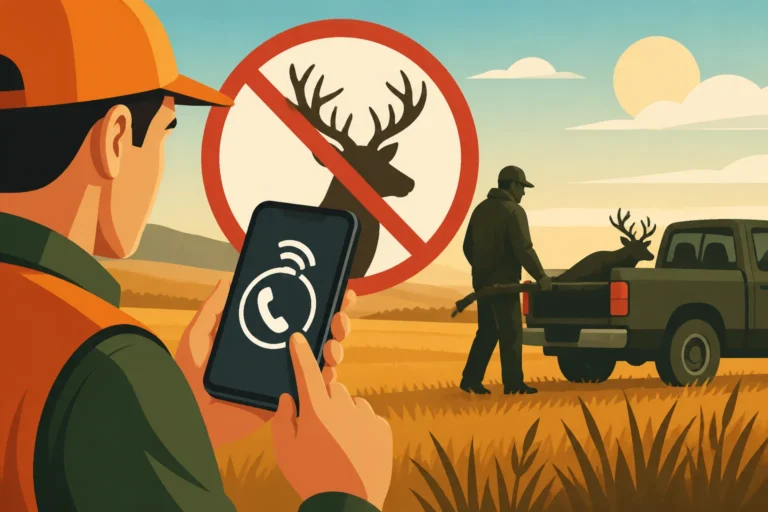
Remember those days of driving miles out of your way, sometimes in the dark or pouring rain, just to find a physical check station or a general store that offered deer check-in after a successful hunt? It was a necessary evil, but often a real pain. Thankfully, Kansas has streamlined this process significantly with its electronic deer check-in system, making it far more convenient for hunters. This guide will walk you through everything you need to know about reporting your harvest digitally, ensuring you stay legal and compliant without the old-school hassle.
The Shift to Digital: Why Electronic Check-In Matters
The Kansas Department of Wildlife, Parks and Tourism (KDWP) moved to an electronic check-in system for good reason. It’s not just about making your life easier, though that’s certainly a huge benefit. This modernization was about efficiency, data collection, and offering a seamless experience for hunters across the state. Gone are the days of paper forms and limited hours for physical stations, which, let’s be honest, were often hard to find, especially in remote areas or late at night.
Enhancing Convenience for Every Hunter
Imagine you’ve just tagged out on a beautiful Kansas whitetail deep in a remote Walk-In Hunting Access (WIHA) tract. The last thing you want to do after field dressing and dragging your deer back to the truck is to spend another hour driving to a check station that might be closed. The electronic system eliminates this frustration entirely. With just your smartphone or a computer, you can complete the entire process from almost anywhere, saving precious time and effort. This flexibility is a game-changer, especially for hunters who travel to Kansas or those who pursue game far from urban centers. It means you can focus more on the hunt itself and less on logistics post-harvest. This improved accessibility helps ensure that more harvests are reported accurately and on time, which is crucial for wildlife management.
Crucial Data Collection for Wildlife Management
Beyond convenience, the electronic check-in system provides KDWP with invaluable data that helps them manage Kansas's deer herds effectively. Every piece of information you submit – from the date and time of harvest to the unit it was taken in and the deer's sex – contributes to a comprehensive dataset. This data is vital for understanding deer population trends, assessing the health of the herd, and making informed decisions about future seasons and permit allocations. Think about it: without accurate reporting, wildlife biologists would be flying blind, making it harder to maintain healthy populations and provide abundant hunting opportunities. This collected information feeds directly into public resources like the annual Kansas Deer Harvest Report, allowing all of us to see the bigger picture of the state's deer management efforts.
Your Step-by-Step Guide to Kansas Electronic Deer Check-In
Navigating a new digital system can sometimes feel daunting, but Kansas’s electronic check-in process is designed to be straightforward. Whether you’re standing over your trophy in a remote field or back at camp, you can complete this process quickly. The key is to have all your information ready before you start, and to understand the specific requirements.
Gathering Your Essential Information Before You Start
Before you even think about opening the KDWP website or app, gather everything you'll need. This preparation will make the check-in process smooth and fast. You'll typically need your valid Kansas hunting license number, the specific permit number used for your deer, and precise details about your harvest. This includes the county and deer management unit where you harvested the animal, the date and time of the kill, the weapon used, and the sex of the deer. If it's an antlered deer, you might also be asked about the number of points. It’s always a good idea to double-check the current regulations, as requirements can sometimes be updated, usually outlined in the official Kansas Regulation Summary Release Date documents. Some hunters find it helpful to use resources like GoHunt to keep track of their license and permit details, ensuring everything is on hand when the moment comes.
The Actual Check-In Process: Online or Through the App
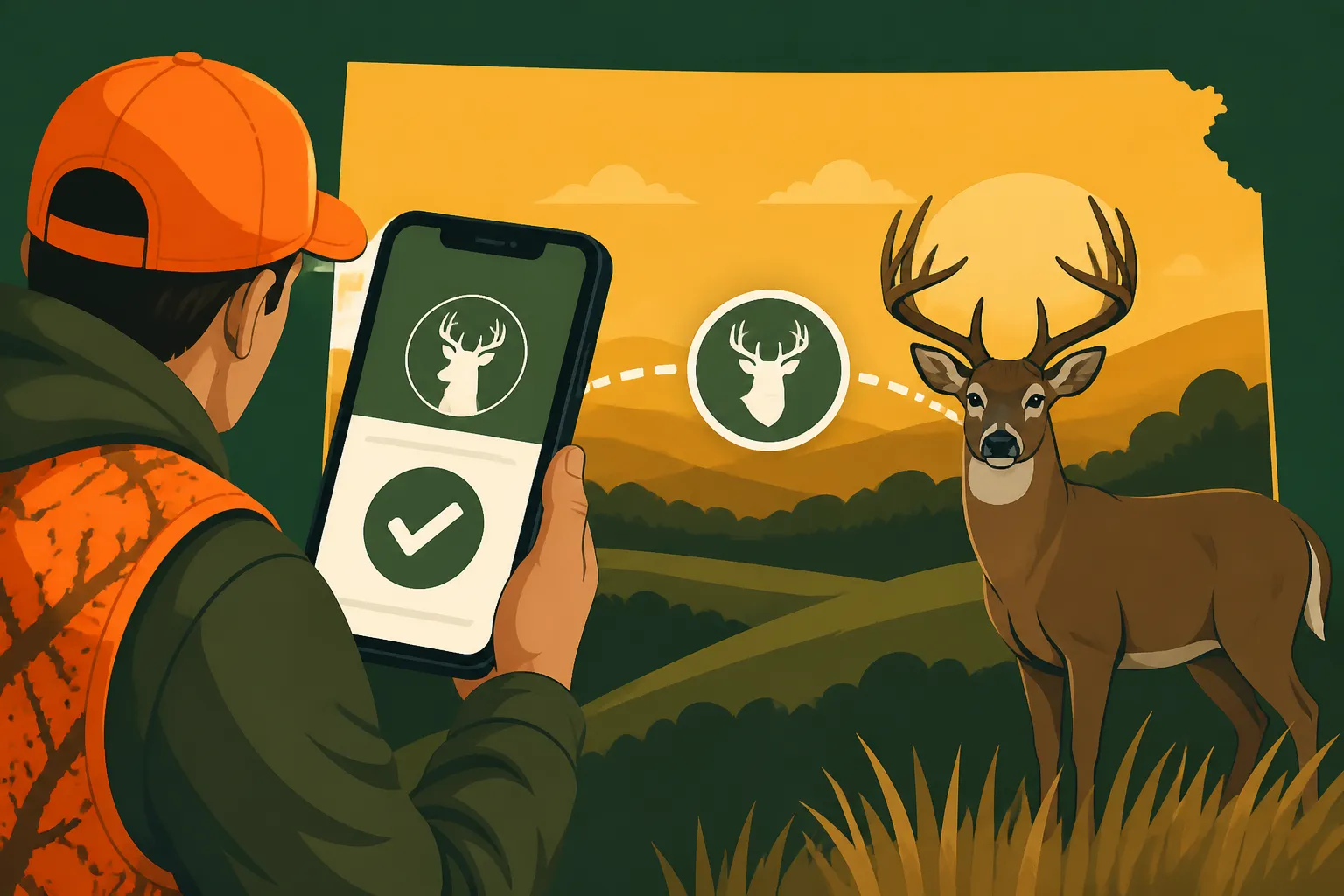
Kansas offers two primary ways to electronically check in your deer: through the KDWP website or via their mobile application. Both are user-friendly, but having options can be helpful depending on your signal strength and device availability in the field.
Using the KDWP Website:
- Navigate to the KDWP Website: Open your web browser and go to the official Kansas Department of Wildlife, Parks and Tourism website. Look for a prominent link or section dedicated to "Report a Harvest" or "Deer Check-In."
- Log In or Proceed as Guest: You might have the option to log in to your account, or simply proceed as a guest. Logging in can sometimes pre-fill some of your personal information.
- Enter Your Hunter Information: Provide your Kansas hunting license number and the permit number you used for the deer. This ensures the harvest is correctly attributed to you and your tag. Remember, proper Kansas Deer Tagging Requirements dictate that you must have physically tagged the deer immediately upon harvest, even before electronic check-in.
- Input Harvest Details: This is where you'll enter all the specific details you gathered: county, unit, date, time, weapon, and sex of the deer. If it's an antlered buck, count those points! Be accurate, as this data contributes to vital wildlife management.
- Review and Submit: Carefully review all the information you've entered. Mistakes can lead to issues down the line. Once confirmed, submit your report.
- Receive Confirmation: You should receive a confirmation number or a printable tag. This confirmation is crucial. Save it, screenshot it, print it – whatever you need to do to keep it handy. This serves as proof that you have legally checked in your deer.
Using the Mobile Application (Go Outdoors Kansas):
- Download the App: Search for the "Go Outdoors Kansas" app in your smartphone's app store. Download and install it.
- Create/Log In to Your Account: You’ll likely need to create an account or log in with existing credentials. This often links directly to your KDWP profile.
- Select "Report Harvest": Once logged in, navigate through the app to find the "Report Harvest" or "Deer Check-In" option.
- Follow On-Screen Prompts: The app will guide you through the same information input as the website: license number, permit number, and all the specific harvest details. The interface is usually very intuitive.
- Submit and Confirm: Just like with the website, review your entries, submit, and ensure you receive and save your confirmation number. This confirmation needs to be kept with the carcass during transport until it reaches its final destination or processor.
What Happens After Check-In? Your Confirmation and Carcass Transport
Once you’ve successfully completed the electronic check-in, you’ll receive a confirmation number. This number is your proof of legal harvest and reporting. While you've physically tagged the deer, the confirmation number adds another layer of legality to your transport. KDWP typically advises keeping this number handy, either digitally on your phone or printed out, with your deer carcass until it is processed or stored. This is especially important if you’re traveling through different areas or across county lines. It demonstrates compliance if you encounter a game warden. Remember that proper transportation of game and specific rules for handling deer in warm Kansas weather are important to ensure the meat stays good.
| Information Needed for Check-In | Description | Format/Example | Importance |
|---|---|---|---|
| Hunter ID | Kansas Hunting License Number | 123456789 (9 digits) | Mandatory |
| Permit Number | Specific Deer Permit/Tag Number Used for Harvest | D0000000 (starting with D or other prefix) | Mandatory |
| Harvest Date | Calendar Date of the Kill | MM/DD/YYYY | Mandatory |
| Harvest Time | Approximate Time of the Kill | HH:MM (AM/PM) | Mandatory |
| County of Harvest | Specific Kansas County where deer was taken | E.g., Butler, Wabaunsee, Crawford | Mandatory |
| Deer Management Unit | KDWP Deer Unit where deer was taken | E.g., Unit 10, Unit 19 | Mandatory |
| Weapon Used | Method of Take | Archery, Muzzleloader, Firearm | Mandatory |
| Deer Sex | Male (Buck) or Female (Doe) | M / F | Mandatory |
| Antler Points | For Antlered Deer, number of points 1" or longer | 8, 10, etc. (often optional, but good to have) | Optional/Useful |
Navigating Potential Hurdles and Staying Compliant
Even with a streamlined digital system, hiccups can happen. Understanding common issues and the nuances of compliance will help you avoid unnecessary stress or even legal trouble. The goal is always to make sure your hunting experience is positive and within the bounds of the law.
Poor Cell Signal and Other Technical Difficulties
One of the biggest concerns for hunters relying on electronic check-in in Kansas, especially when out in the vast, open country, is a lack of cell service. We've all been there: standing in a prime hunting spot with no bars on the phone. This is a legitimate frustration. If you find yourself in this situation, don't panic. The KDWP regulations understand that instant digital check-in might not always be possible. The key is to make a reasonable effort to report your harvest as soon as you are in an area with service. This might mean driving a few miles, or waiting until you get back to a town or your lodge. Just remember that the physical tag must be affixed immediately to the deer. The electronic check-in follows. It’s always a good idea to have a backup plan, like noting all the required information down on paper, so you’re ready to enter it as soon as you have connectivity. Some hunters even plan their hunts using tools like GoHunt that can show cell coverage maps, which is a clever way to anticipate these kinds of issues beforehand.
Specific Scenarios: Antlerless Deer, Youth Hunts, and Extended Seasons
The electronic check-in process generally remains consistent regardless of the type of deer or season, but it's always smart to be aware of any specific reporting needs for different permit types or hunts. For example, if you're participating in specific hunts like Kansas Antlerless Hunts and Filling the Freezer, or the Kansas Youth and Disability Deer Season, the permit you're using will be specific to those seasons, and the electronic system will ask for that particular permit number. Ensure you select the correct permit during the check-in process. The system is designed to handle various permit types, from standard antlered permits to those for Kansas Extended Antlerless Seasons by Unit. It's your responsibility to accurately input the details associated with your specific tag. Always verify that your permit is valid for the deer you've harvested and the unit you're hunting in.
The Importance of Prompt Reporting and Avoiding Violations
While you have a reasonable window to report electronically after you've tagged the deer, promptness is still paramount. Delaying your check-in unnecessarily can raise questions, especially if you're transporting the deer a significant distance. The confirmation number from your electronic check-in is proof that you've fulfilled this legal requirement. Failing to report a harvested deer is a wildlife violation, and can carry penalties ranging from fines to loss of hunting privileges. It's not worth the risk. Always adhere to the Kansas Deer Harvest Reporting Deadline for clarity, and understand the consequences of non-compliance outlined in Kansas Wildlife Violation Penalties. The system is there to help, but it's a critical part of your legal responsibilities as a hunter in Kansas.
Final Thoughts on Your Kansas Electronic Check-In
The Kansas electronic deer check-in system is a significant improvement for hunters, simplifying what used to be a logistical headache. By understanding the process, being prepared with your information, and recognizing the importance of accurate and timely reporting, you can ensure a smooth, legal, and stress-free end to your successful hunt. This modern approach benefits both the hunter and the vital conservation efforts of the state, ensuring that Kansas's deer populations continue to thrive for generations to come.
Disclaimer
The information provided in this guide is for general informational purposes only and is not a substitute for official regulations. Hunters are responsible for consulting the most current Kansas Department of Wildlife, Parks and Tourism (KDWP) regulations and statutes before engaging in any hunting activities. Seasons, regulations, and permit requirements can change, and it is the individual hunter's duty to stay informed.